
1 · Upload your room
Drop a phone photo of the room you want to restyle. Studio Render reads its geometry — walls, windows, the camera angle.
Upload a photo of your room, choose a style, and Studio Render keeps the room's existing layout while changing the furniture, materials and mood. See a direction before you buy the furniture or brief the client.
Mac & Windows desktop app. No credit card for the free renders. Prefer it done for you? Render Desk — $295/project →
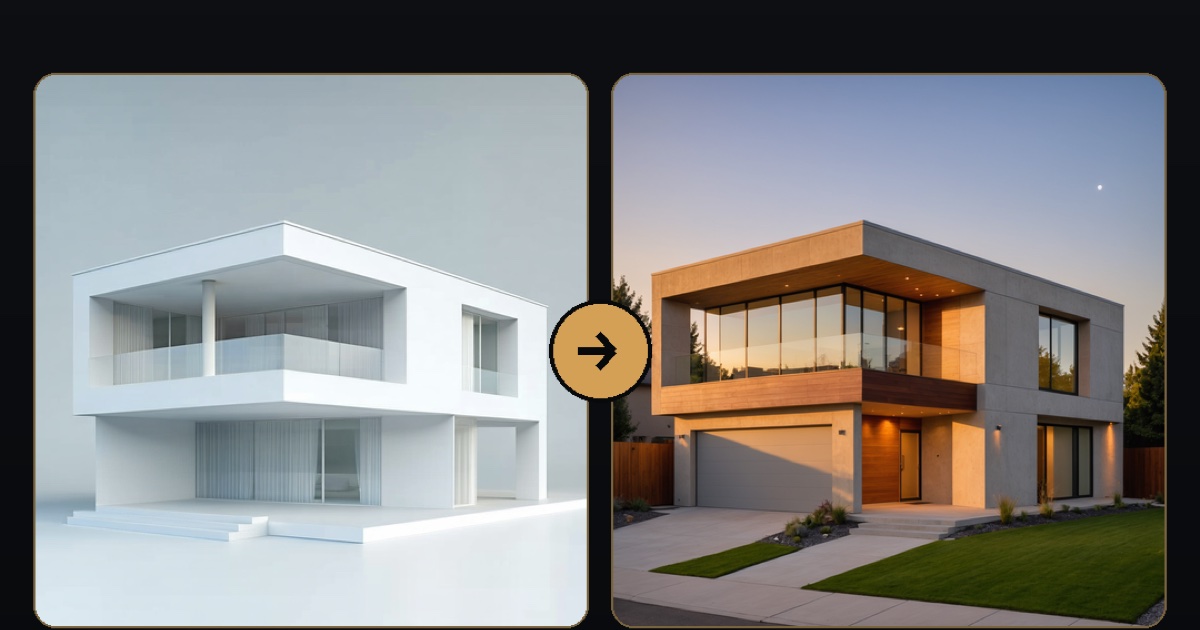
A real Studio Render output. Your room, your layout — a new look.
Drop a phone photo of the room you want to restyle. Studio Render reads its geometry — walls, windows, the camera angle.
Choose Japandi, Warm Modern, Scandinavian or Mid-century. A "stay true to my room" slider controls how closely it keeps your layout.
Get a client-ready image in seconds. Export a clean before/after card for Instagram, Pinterest or the client email.
Studio Render restyles the look of a room — furniture, materials and mood. It's a fast concept tool, not a construction or renovation simulator.
10 free renders on signup — no credit card. Then $9/month for 30 room renders.
On your phone, or want the links later? We'll email them to you:
Sent — check your inbox for the download links.